
Get started
Get Started
Your family’s chore board, live in about a minute.
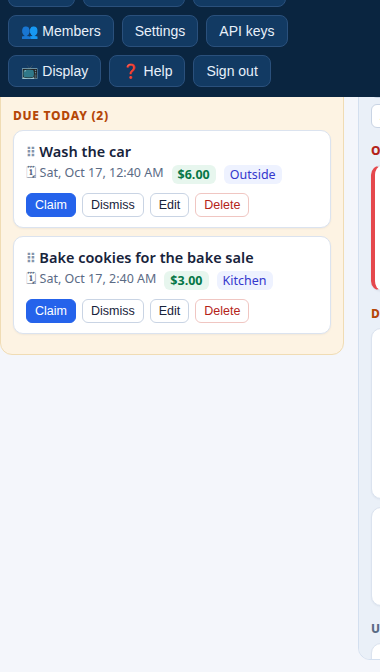
- Create your account. Go to the app and sign up with your email. Signing up creates your family, with you as its first adult admin.
- Add your family. In the app, open 👥 Members and add each person with their email and role - adults are admins, kids get kid accounts. Each person is linked automatically the first time they sign in with that email.
- Add chores. Use + Task for one-offs and ↻ Recurring for routines. Starter templates (searchable) prefill common chores like “Mow the lawn” and “Homework” - adjust the price and due time to fit your house.
- Add rewards. Under 🎁 Awards, set what balances can buy: a cost, how often it can be redeemed, and how many are available.
- Optional: the kitchen tablet. Tap 📺 Display, pick the lists, and open the link on a tablet for kiosk mode.
- Optional: connect your AI assistant. Create a key under API keys and follow the MCP setup guide.
Start now
Free while in beta. No credit card, no app to install - it runs in the browser on any device.