
The family chore board that pays.
One list per person, a real dollar value on every chore, and instant credit when the work is done. Parents assign, kids complete, everyone watches the same board - on a phone, a tablet, or the kitchen wall.
- No credit card
- No app to install
- Set up in about a minute
What is Chore-List?
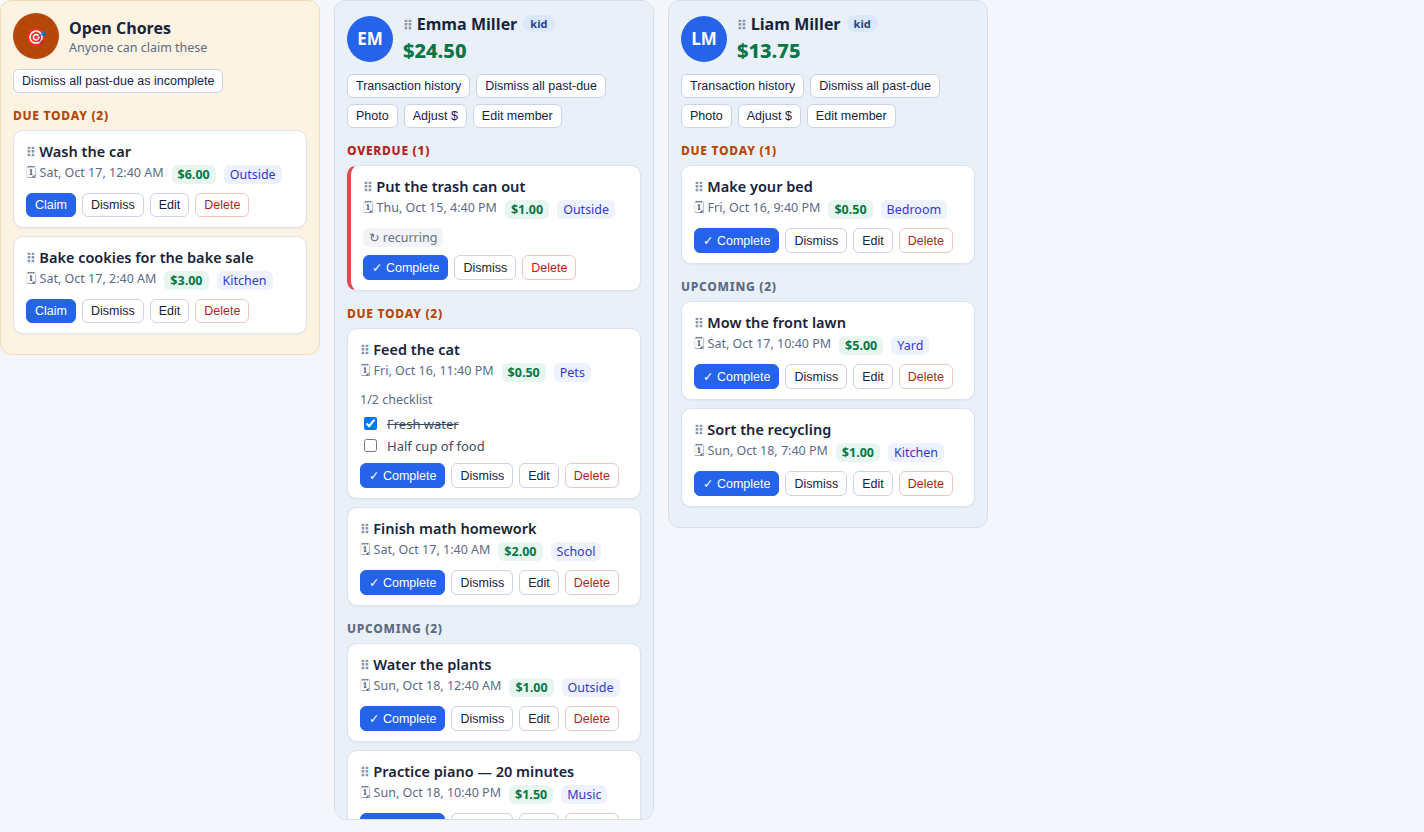
Chore-List is a web app that runs household chores like a team board. Each family member gets a column with their photo and their current balance. Chore cards sort themselves into Overdue, Due Today, and Upcoming. A shared Open Chores column holds unassigned jobs any kid can claim - whoever claims a chore earns its payout when it’s done.
Every chore carries a dollar amount. Finishing one credits the balance instantly (a parent-approval step is available if you want it), and every entry lands in a permanent transaction history - earnings, reward redemptions, and manual adjustments. Balances are a ledger, not a number someone can fudge, so allowance arguments are settled by the record.
How it works
Create your family
Sign up and add each family member with their email and role - adult or kid. Adults are admins, and everyone gets their own login.
Add chores & rewards
Tick the chores you want from the built-in catalog - “Mow the lawn”, “Homework”, “Feed the cat” - or create your own with a price, due time, reminders, and a checklist.
Kids work the board
They complete tasks (with a photo if you like), claim open chores, and watch their balance grow - then spend it on rewards you set. You get an email for every completion.
The wall board, on the screen you already own
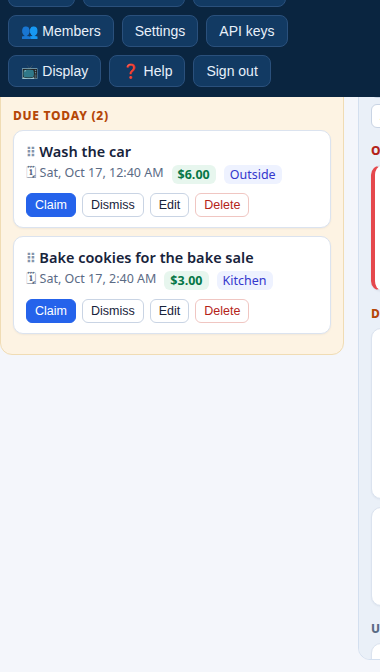
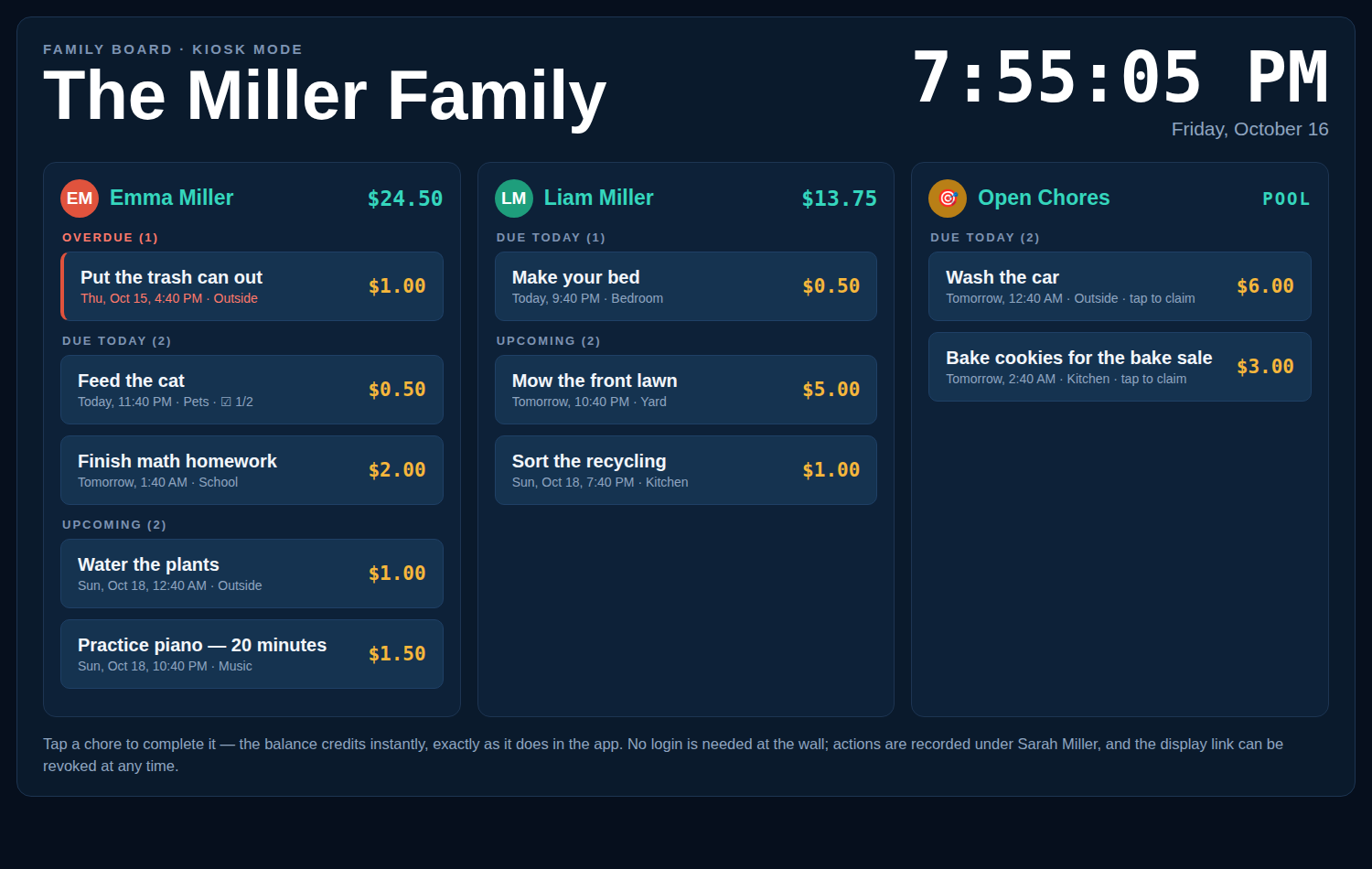
Stick an old tablet on the kitchen wall, open your family’s display link, and the board is just there - a live clock, today’s chores, and tap-to-complete rows big enough for small hands. No $319.99 proprietary screen, no subscription.
- Optional 4-digit PIN - the board stays private, and one unlock lasts the whole session
- Tap a chore to complete it, tap a pool chore to claim it - balances update instantly
- Shows only the lists you choose - and no settings, balances editing, or management, ever
- Refreshes itself every five minutes, so the wall is never stale
Everything a chore chart should have been
One list per person
A column for every family member with their photo and current spendable balance on top. Drag to reorder the lists into the order your family likes.
Chores that pay
Put a price on any task. Completing it credits the balance immediately, and recurring chores pay on every single occurrence.
Open Chores pool
Post a job without assigning it. Any kid can claim it, and the claimer gets paid when it’s done - first come, first served.
Rewards store
Adults set rewards with a cost, a redemption frequency, and a stock limit - screen time, an ice-cream trip, a later bedtime. Kids spend their balance; parents get an email.
Recurring chores
Daily, weekly, or monthly schedules with a set due time - trash day, homework routines, Saturday jobs - generated automatically, paying every time.
Email reminders
Multiple reminders per task - minutes, hours, or days before it’s due - with a family-wide default you can override per chore. Assignments email the assignee too.
Kiosk mode
Put the board on a kitchen tablet with a revocable, PIN-protected display link: live clock, tap-to-complete rows - no settings, nothing to break.
Optional approvals
Two family settings let adults require approval before a completion credits money, or before a redemption charges the balance. Both off by default.
Photo proof
Kids can attach a photo when they complete a task - a made bed, a clean desk - and every completion emails the adults in the family.
AI, API & MCP
A full REST API and an MCP server mean Claude, ChatGPT, and other AI assistants can add chores, check balances, and manage rewards in plain words.
Multi-family
Chore-List is multi-tenant: your friends can create their own family accounts on the same app. Every family’s data is completely separate.
Full history
Every person’s transaction history shows exactly how each dollar was earned, redeemed, or adjusted - allowance arguments, settled.
A Skylight alternative that runs on the screen you already have
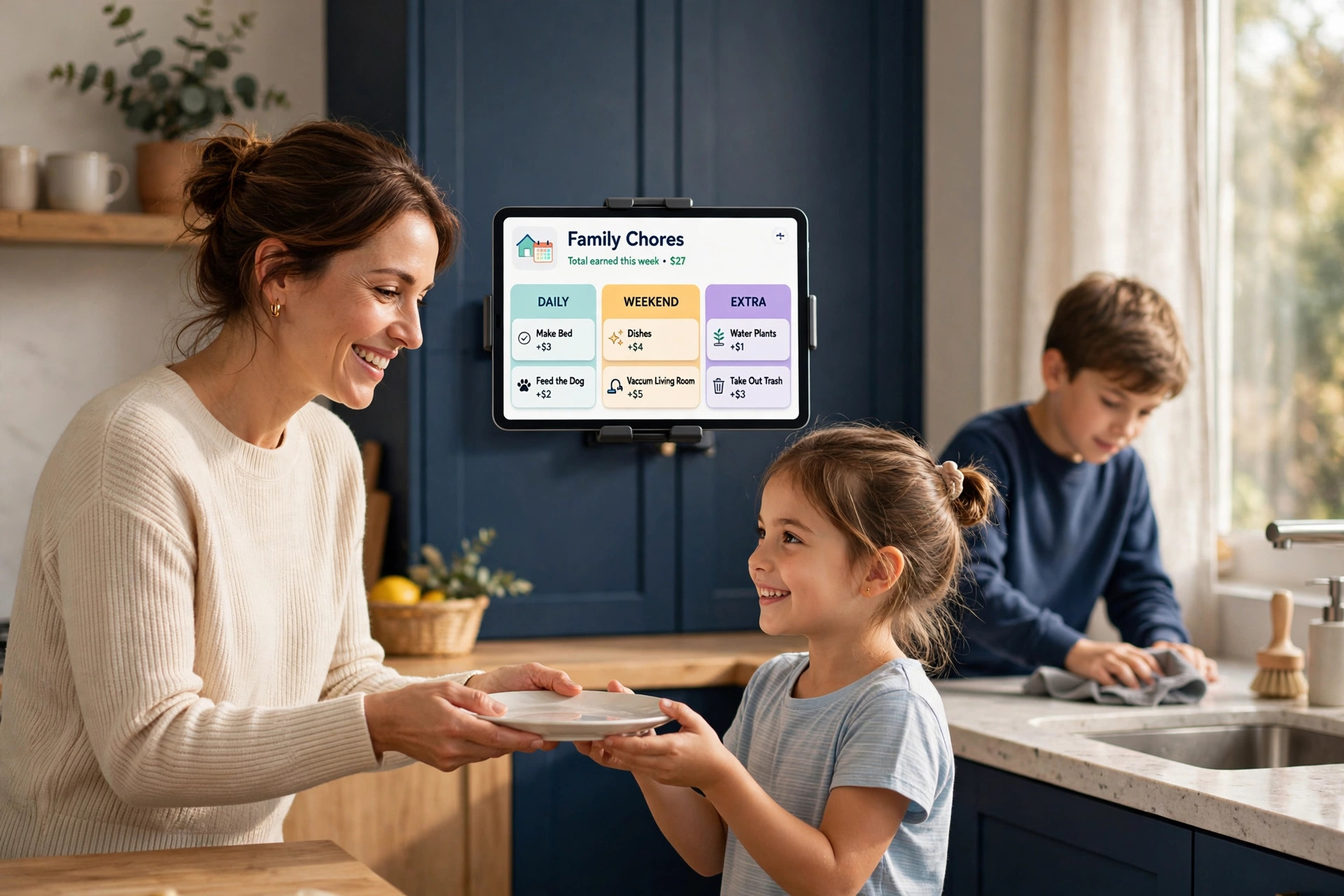
Looking at a Skylight Calendar? It’s $319.99 for the 15″ display plus $79 a year for the plan that includes rewards - and its rewards are stars, not money. Chore-List’s kiosk mode turns a kitchen tablet or TV you already own into the same kind of wall board, for free - and every chore pays real dollars into your kids’ balances.
- $398.99 in year one with Skylight - versus $0 with Chore-List
- Real dollar balances kids can spend on rewards - not stars
- Every screen joins in - phones and laptops too, not one wall in one room
Quick questions
Is Chore-List really free?
Yes - free for families, with no hardware to buy and no subscription. Create an account, add your family, and your board is live in about a minute.
Do my kids need phones?
No. Kids can use a shared family tablet, the kitchen kiosk, or any browser. Each person has their own login for when they do have a device.
Is the money real?
Balances are tracked in real dollars as a ledger inside your family - most families settle up in cash or treats on their own schedule. Chore-List keeps the score; you stay the bank.
Ready to retire the paper chore chart?
Set up your family’s board in about a minute - free, no credit card, no new screen to buy.